



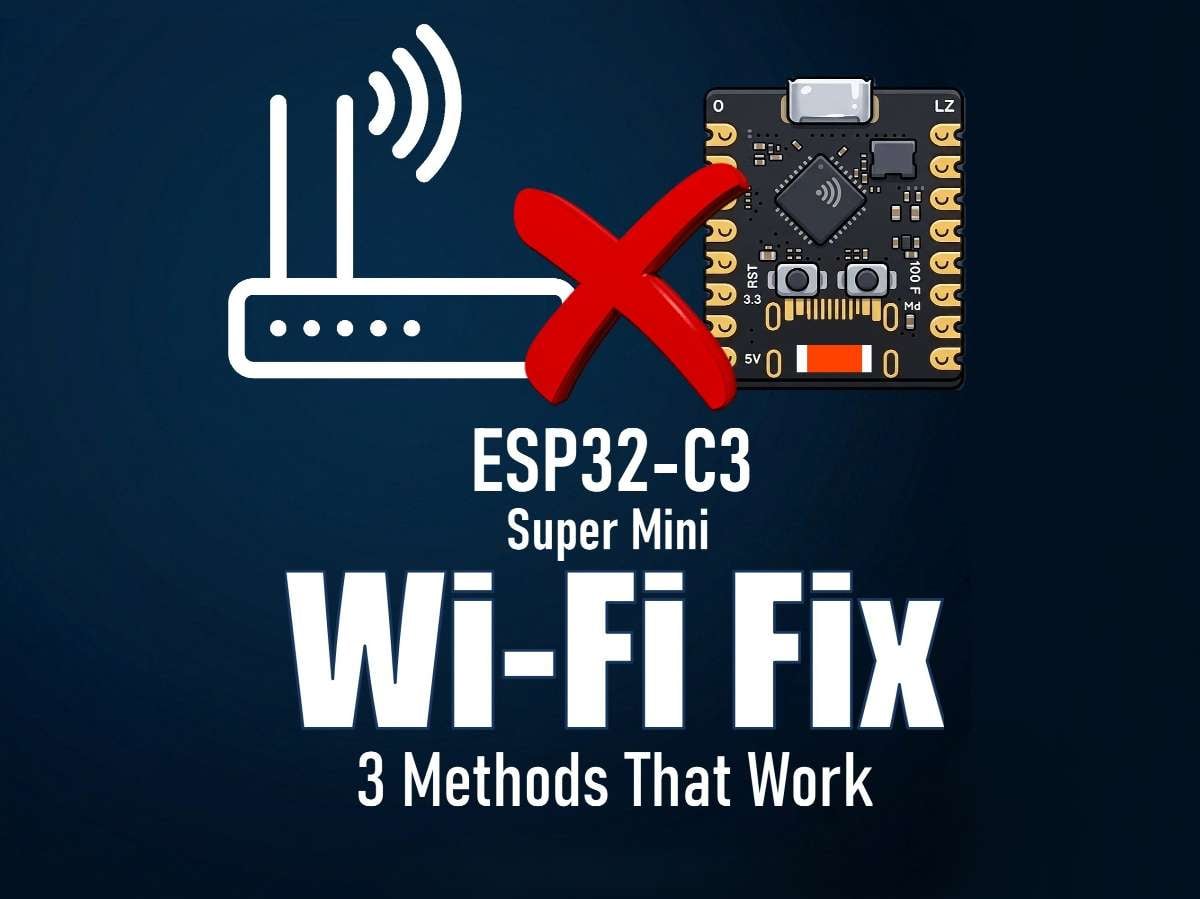
Hi everyone! I’ve recently started working with a tiny, super affordable microcontroller board called the ESP32-C3 Super Mini, which comes with both Wi-Fi and Bluetooth. Part of the ESP32 Super Mini series, this little board has quickly become a go-to for makers and developers, since it squeezes the full power of an ESP32 into a thumb-sized package.
If you’re subscribed to my channel, you would have probably seen me using it in my last three projects. It’s single-core, compact, lightweight, and can be programmed using the Arduino IDE.
While these boards are great, I noticed they occasionally drop off the network. When that happens, the only fix is to physically go and reboot them to bring them back online. After getting frustrated with this, I started looking into ways to solve this problem. In this tutorial, I'll go over three methods that has actually worked for me to fix this problem.

Apparently, the ESP32-C3 Super Mini disconnecting from the network is a known issue, usually caused by a combination of hardware design flaws and software settings. While a permanent fix can be tricky to find, there are several effective workarounds you can try.
⚙️ Software Configuration

Reducing the radio power is the #1 most recommended fix. The voltage regulator often cannot handle the default 19.5dBm peak power, causing disconnection. Running Bluetooth and Wi-Fi simultaneously can also overload the single-core chip.
Manually set the TX Power to 8.5dBm or 10dBm in your code. Try older or different firmware builds, or disable Bluetooth if you are not using it. When the device connects to the network but disconnects under load (e.g., when sending data), the TX Power fix is highly likely to solve your problem.
--------
Code:
Arduino
--------
///// To Set The Max TYX Speed /////
#include "esp_wifi.h"

void setup() {
  // Set max TX power to 8.5 dBm (the most stable value reported by users)
  esp_wifi_set_max_tx_power(WIFI_POWER_8_5dBm);

  // Your normal Wi-Fi initialization here
  WiFi.begin(ssid, password);
}
yaml
----
wifi:
output_power: 8.5dB
///// To Disable Bluetooth Controller /////
#include "esp_bt.h"

void setup() {
  // Disable Bluetooth controller
  esp_bt_controller_disable();
}
⚡ Power Supply

The ESP32-C3 draws high current peaks (upto 500mA) when transmitting over Wi-Fi. A weak USB cable, a poor-quality regulator on the board, or an unstable power source can't keep up, causing a reset, crash or brownouts.
I recommend using a high-quality USB cable and a powered USB hub. Adding a 10µF to 100µF low-ESR capacitor between the 5V and GND pins near the board can stabilize power.
If none of these steps work, you may have a faulty board. Unfortunately, quality control on these very cheap modules is inconsistent, and sometimes the only reliable solution is to purchase a replacements from a different vendor.
📡 Antenna & RF Interference

The PCB SMD ceramic antenna is sensitive. Plugging a pin header into GPIO20 or GPIO21 or having stray wires near the antenna can detune it, killing Wi-Fi connectivity. It can also be due to poor quality control during production, leading to outright faulty modules.
Keep all wires and metal objects away from the antenna area. If possible, inspect the antenna solder joint for a poor connection.
The ceramic antenna sits very close to the crystal. Its feed pad is on the left, while the opposite end is left unconnected. Many hobbyists simply scrape off the ceramic component and solder a 31mm looped copper wire directly to the pad, creating a standard quarter-wave whip antenna that immediately resolves range issues.
⚙️ A final tip before we go

The USB and boot modes can sometimes be bit finicky. A common trick is to remove the board from a breadboard while flashing it, as the metal contacts on the breadboard can interfere with the signal.
Metal object, hands or metal enclosure directly over the antenna kills the range and stability.
Also please make sure the Wi-Fi channel you are using is not too much congested.
Drop a comment and subscribe for more DIY tech reviews and projects like this.
If this helped, drop a comment and subscribe for more DIY electronics
projects, 3D printing, and maker tutorials! 🙌
Thanks
Thanks again for checking my post. I hope it helps you.


