




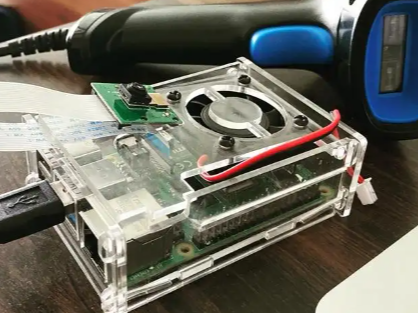
Project Description
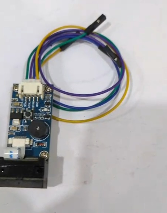
In the fast moving world there is no sense for the store owner to sit with pen and paper to manage the inventory manually. As this product is based on Raspberry Pi so the user can scale it and add additional features like having a camera or additional load sensor all they engineers have to do is add a relay HAT.
The device used a bar code connected with the Raspberry Pi with the USB connector, so whenever it scans the code, the Pi processes it and the data is stored and compared in the local database. After comparison, the quantities are updated automatically and users can check the contents in an interactive graphical interface.
The device can be installed in retail stores, warehouses, grocery stores, in Labs and gym. It will reduce the work load of manually entering data and this device will improve accuracy by eliminating errors in increase in productivity.
The project is lightweight, cost-effective, and easily scalable for small and medium-sized businesses seeking an affordable inventory management solution.
The device is lightweight, can be installed by non technician in minutes and could be scaled easily where the user can add camera and other peripherals.
Software Requirements
- Raspberry Pi OS
- Python 3
- SQLite
- Tkinter GUI
- Bar code Scanner Drivers (Plug & Play USB)
- VS Code (Optional)
Features
- Real-time bar code scanning
- Inventory database management
- Automatic stock updates
- User-friendly graphical interface
- Fast product lookup
- Low-cost implementation
- Expandable for cloud integration
Step-by-Step Build Instructions
Step 1: Install Raspberry Pi OS
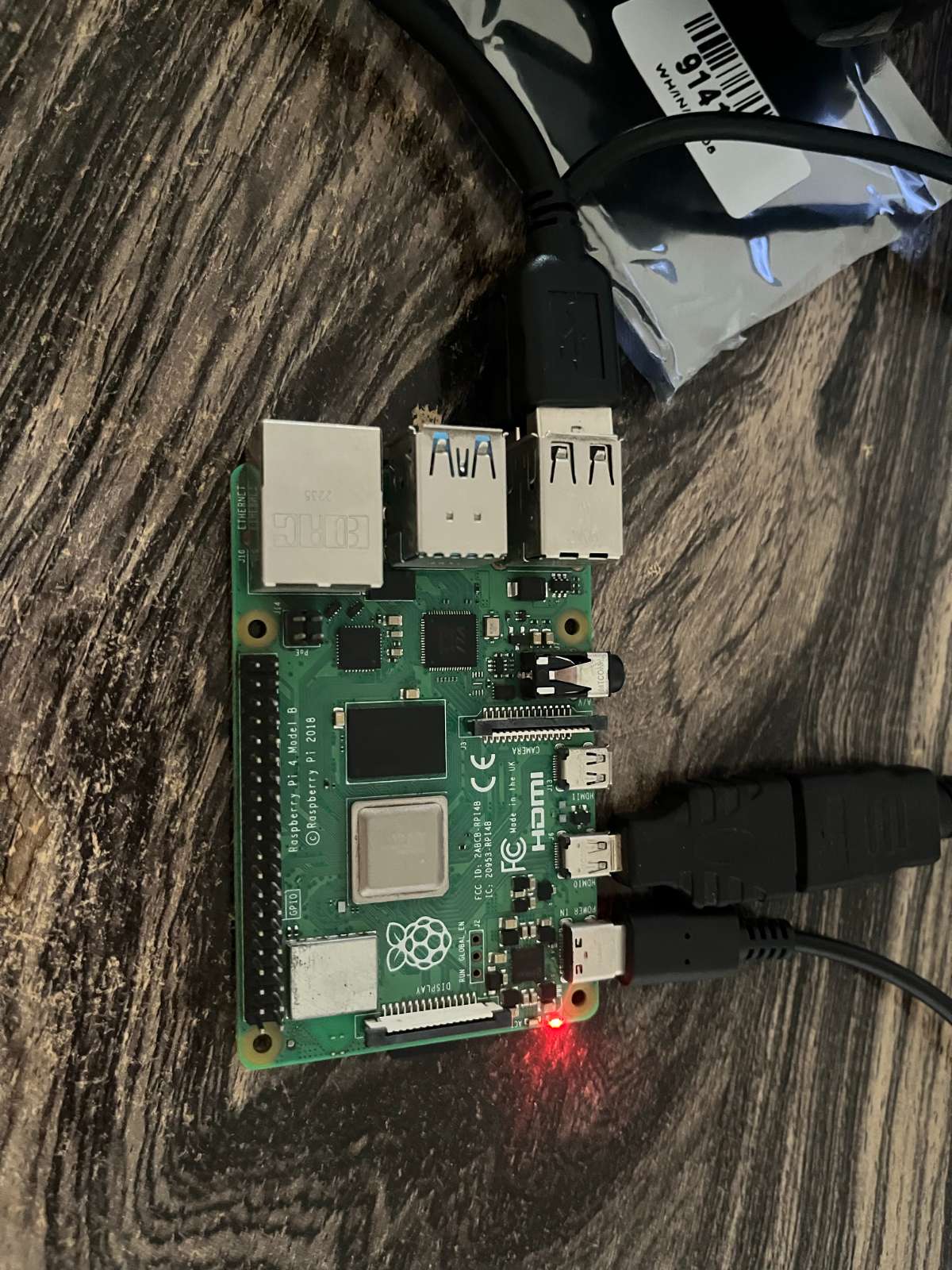
Flash Raspberry Pi OS onto the micro SD card and boot the Raspberry Pi.
Step 2: Connect Hardware
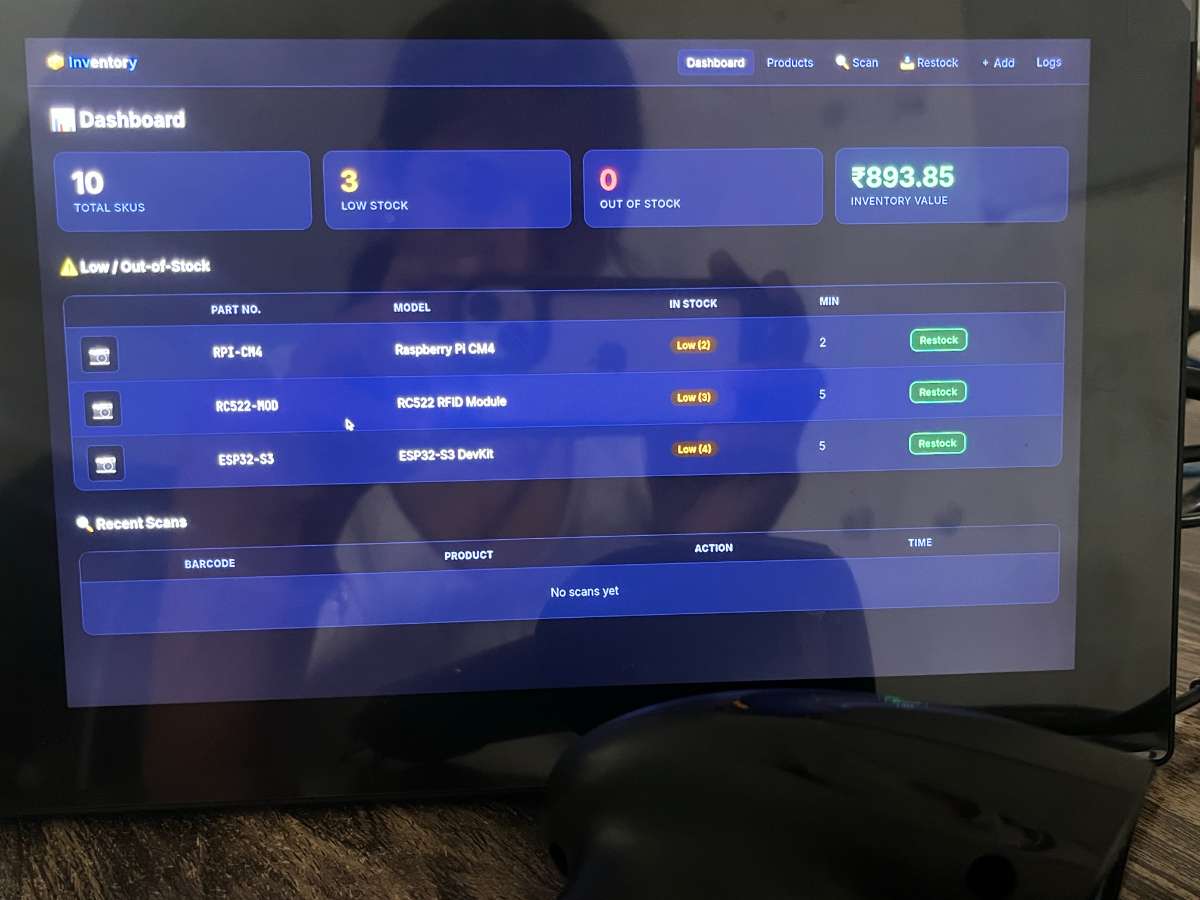
Attach the USB bar code scanner, keyboard, mouse, and monitor to the Raspberry Pi.
Step 3: Update the System
Open Terminal and run system update commands to ensure all packages are up to date.
Step 4: Install Required Software
Install Python 3, SQLite, and Tkinter libraries needed for the inventory management application.
Step 5: Create Inventory Database
Design a database containing:
- Product ID
- Bar code Number
- Product Name
- Quantity
- Price
Step 6: Develop Bar code Reader Module
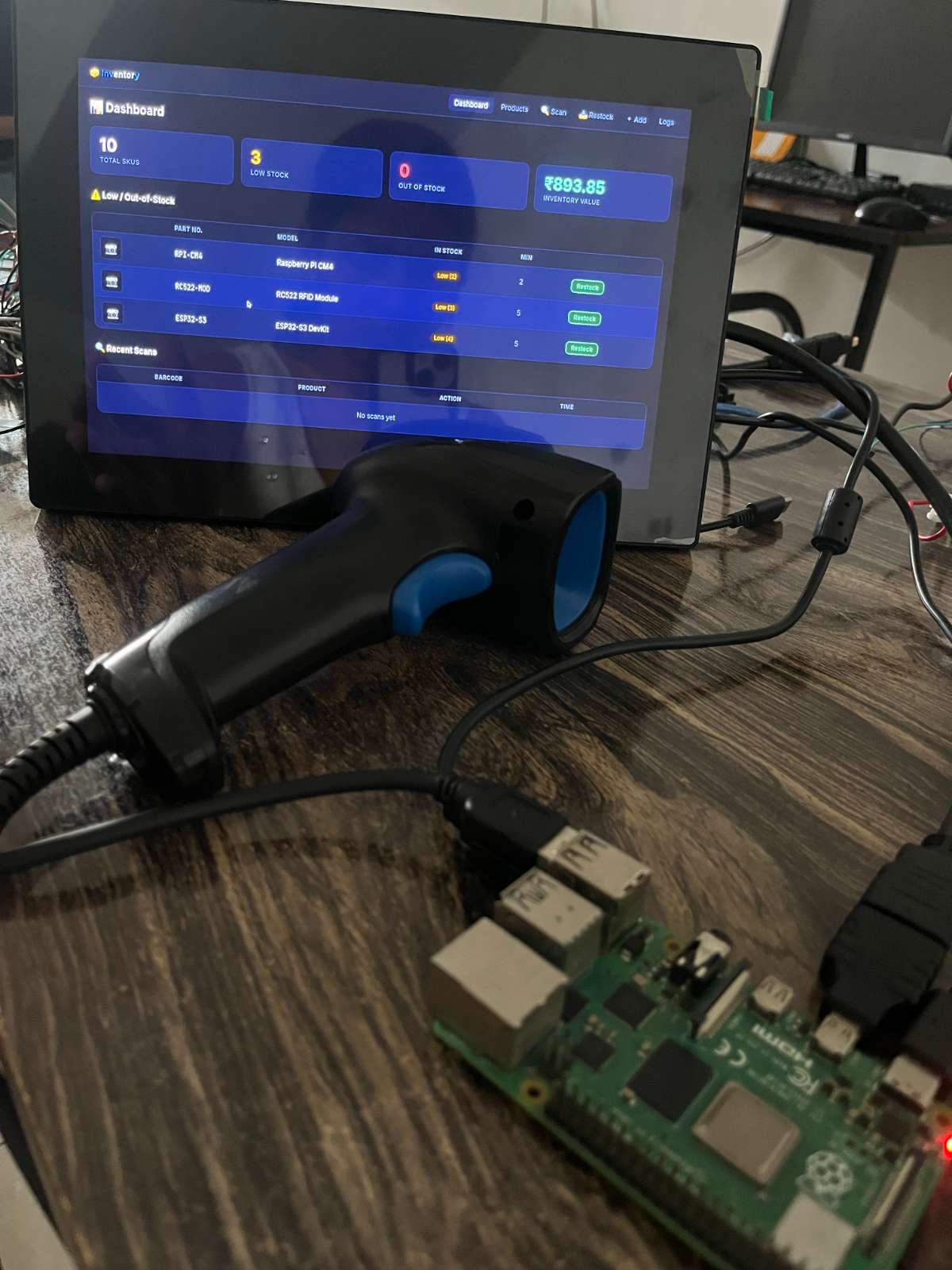
Create a Python script that receives bar code data directly from the USB scanner and matches it with database records.
Step 7: Build User Interface
Design a simple dashboard displaying:
- Product Name
- Bar code
- Stock Quantity
- Scan Status
- Inventory Logs
Step 8: Integrate Database Operations
Link the bar code scanner module with the SQLite database to update stock information automatically.
Step 9: Testing
Scan multiple products and verify that inventory records are updated correctly.
Step 10: Deployment
Place the Raspberry Pi terminal at an inventory checkpoint and start monitoring stock movement in real time.
Applications
- Warehouse Management
- Retail Stores
- Library Management
- Laboratory Asset Tracking
- Logistics & Supply Chain
- Inventory Monitoring Systems
Project Outcome
The outcome is a device that scans bar codes and manages inventory in real time. The system reduces human intervention, improving accuracy and cost-effectiveness. Businesses looking to optimise such solutions often choose to hire Raspberry Pi developer professionals for customised inventory management systems.


