.jpeg)
How to Build the Project – Step-by-Step Procedure
Problem Statement
Road accidents are increasing day by day, and in many cases emergency services are not informed immediately after an accident. Due to the delay in reporting, victims may not receive timely medical assistance, which can lead to severe injuries or loss of life. Therefore, there is a need for an automatic system that can quickly detect accidents and send alerts without human intervention.
Proposed Solution
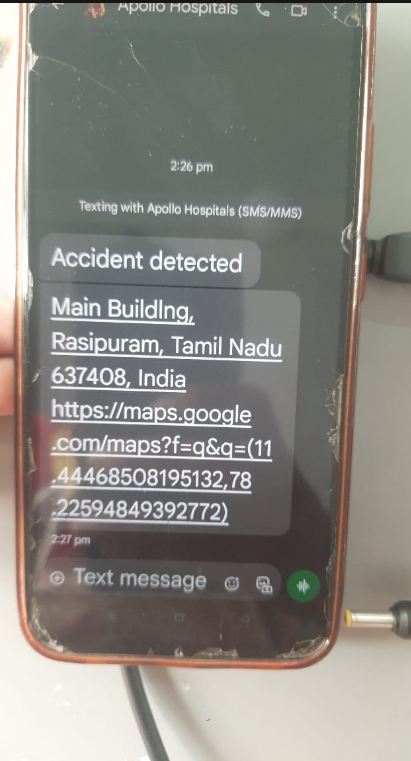
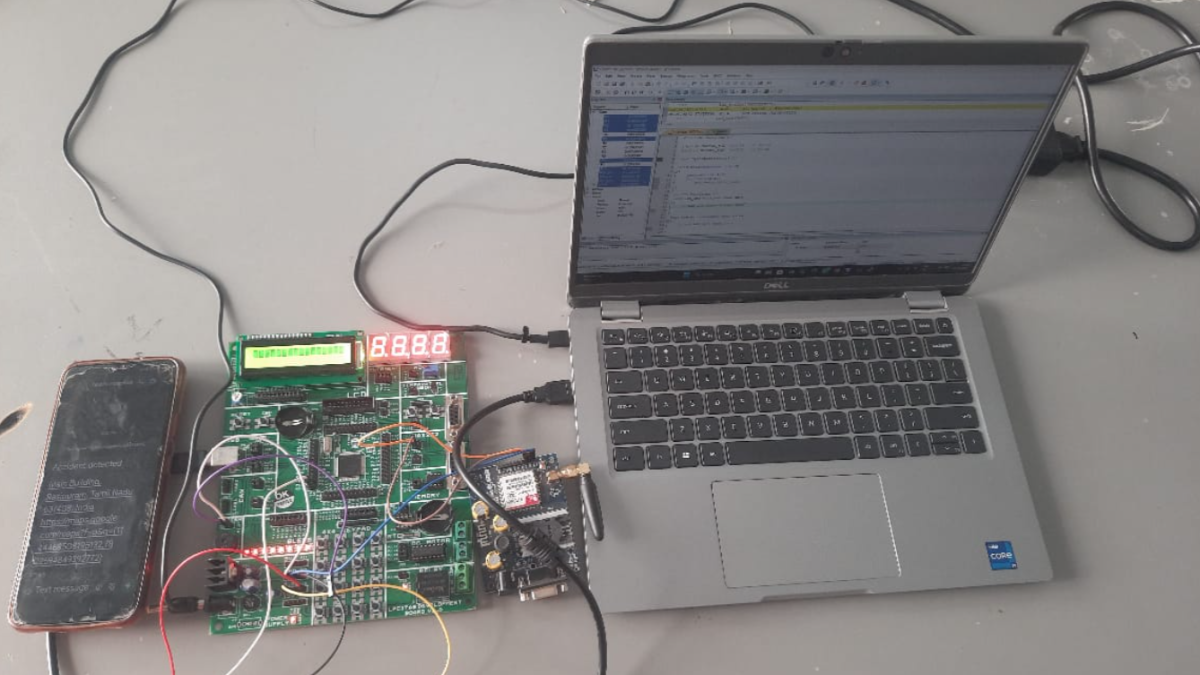
To overcome this problem, a Smart Vehicle Accident Detection and Emergency Alert System Using LPC1768 is developed. The system uses a vibration sensor to detect accident-like impacts. When an accident is detected, the LPC1768 microcontroller processes the signal, activates a buzzer, displays "ACCIDENT DETECTED" on the LCD screen, and sends an emergency SMS through the GSM module to a predefined contact number. This enables faster response and improves vehicle safety.
Step 1: Gather the Components
Collect all the required hardware components:
- LPC1768 Microcontroller Board
- Accelerometer Sensor (ADXL335/ADXL345)
- GPS Module (NEO-6M)
- GSM Module (SIM800L/SIM900A)
- 16x2 LCD Display
- Buzzer
- Power Supply
- Connecting Wires
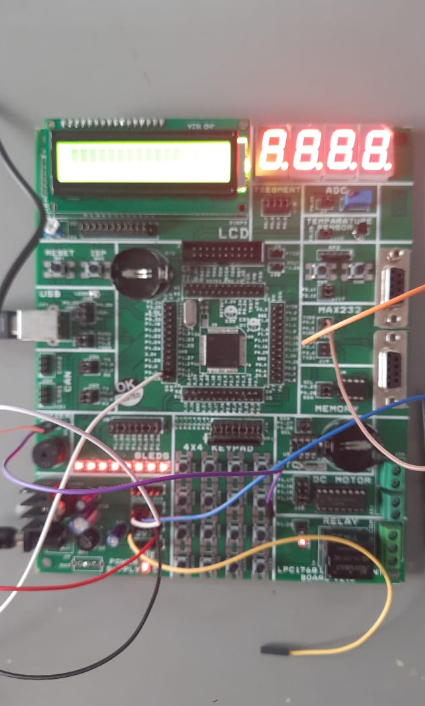
Step 2: Connect the Accelerometer
Connect the accelerometer sensor to the LPC1768 to monitor vehicle movement, vibration, and tilt.
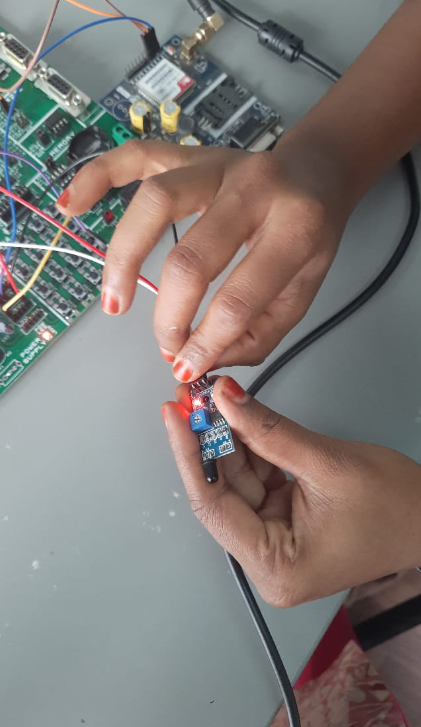
Step 3: Connect the GPS Module
Interface the GPS module with the LPC1768 through UART communication to obtain real-time location data.
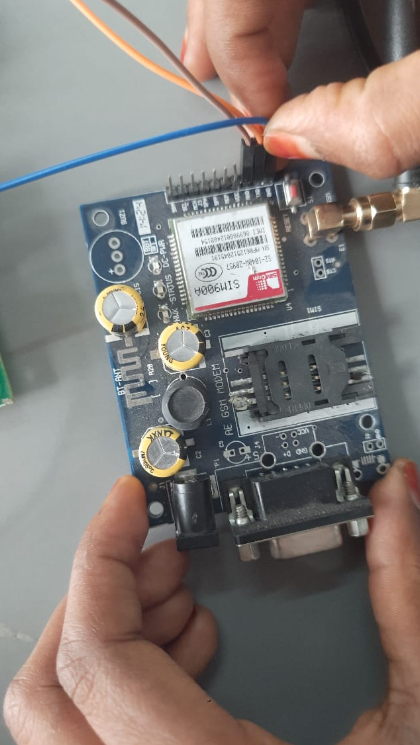
Step 4: Connect the GSM Module
Connect the GSM module to the LPC1768. This module will send emergency SMS alerts when an accident is detected.
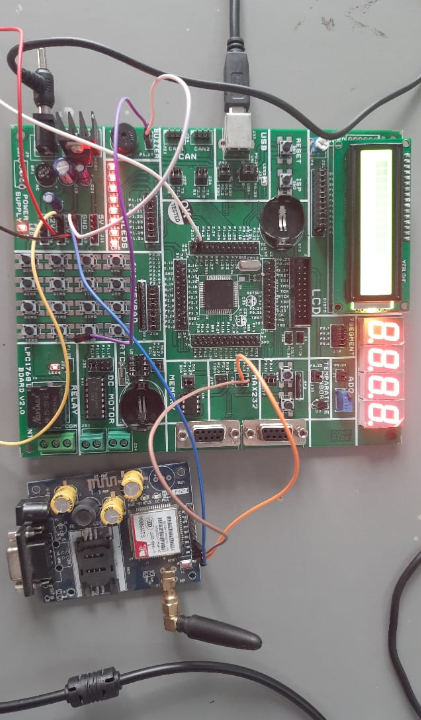
Step 5: Connect the LCD and Buzzer
Connect the 16x2 LCD display for status messages and the buzzer for audible accident alerts.
Step 6: Write the Program
Develop the Embedded C program in Keil uVision to:
Read accelerometer data
Detect accidents
Get GPS coordinates
Send SMS through GSM
Update LCD messages
Activate the buzzer
Step 7: Upload the Code
Compile the program and upload the HEX file to the LPC1768 using Flash Magic
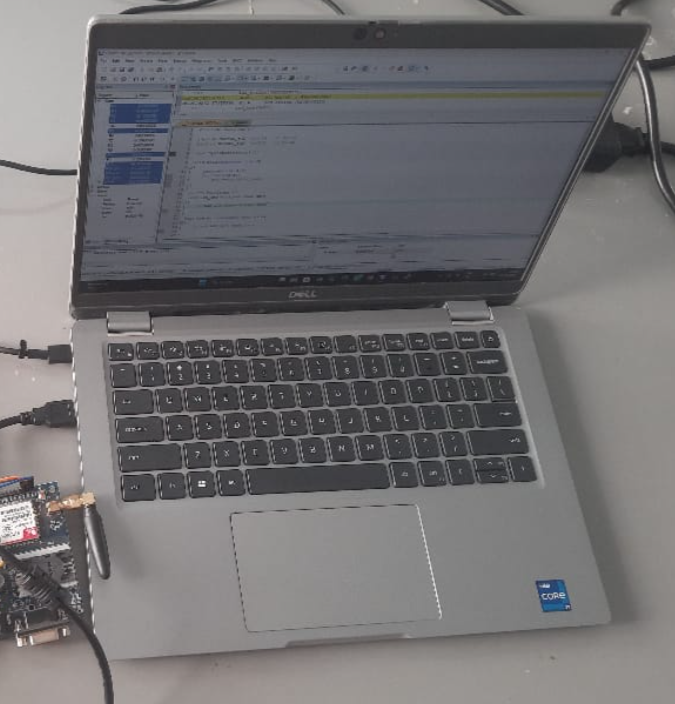
Step 9: Test Accident Detection
Simulate a sudden impact or tilt. The system should detect the accident and trigger the alert process.
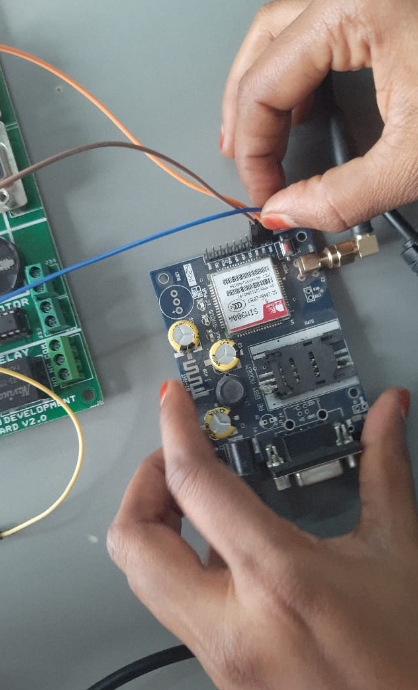
Step 10: Verify Emergency Alert
Check that:
The buzzer sounds.
The LCD displays the alert message.
GPS location is acquired.
SMS with location is sent to the emergency contact.