



MemoryGuard - Real Time Monitoring and Memory Assistance System for Alzheimer Patients
Introduction
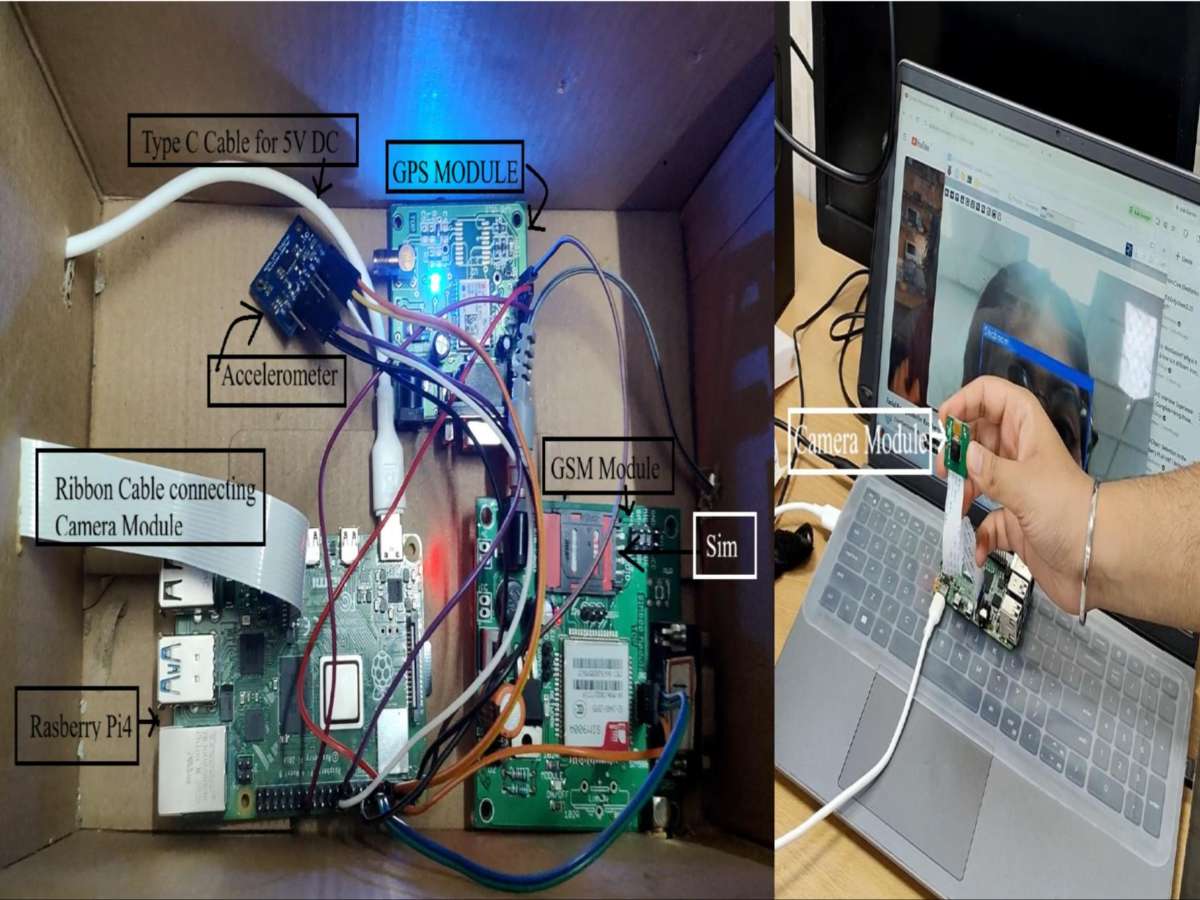
Alzheimer patients often have difficulty recognizing family members and caregivers. They may also wander away, get lost, or fall without anyone noticing immediately. MemoryGuard is designed to improve patient safety by combining face recognition, GPS tracking, GSM alerts, and fall detection into a single Raspberry Pi based system.
Step 1: Gather the Required Components
Collect the following hardware:
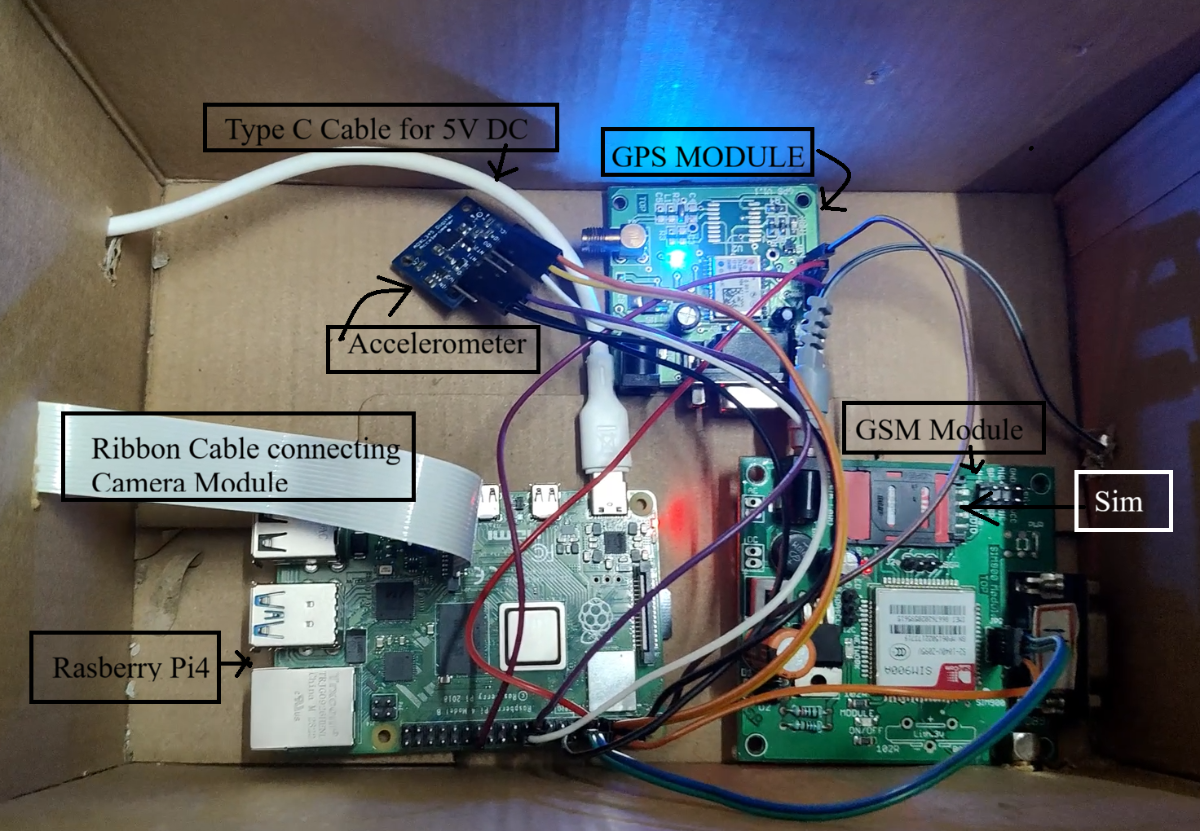
- Raspberry Pi 4 Model B (2GB)
- Raspberry Pi Camera Module
- NEO-6M GPS Module
- SIM800L GSM Module
- ADXL345 Accelerometer
- 32GB MicroSD Card with Raspberry Pi OS
- Power Supply
- Jumper Wires
Step 2: Prepare the Raspberry Pi
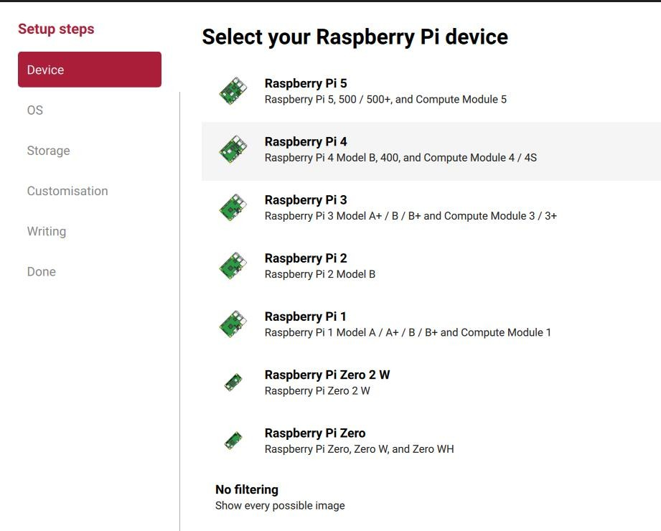
Install Raspberry Pi OS on the MicroSD card and boot the Raspberry Pi.
Enable:
- Camera
- I2C
- Serial Interface (UART)
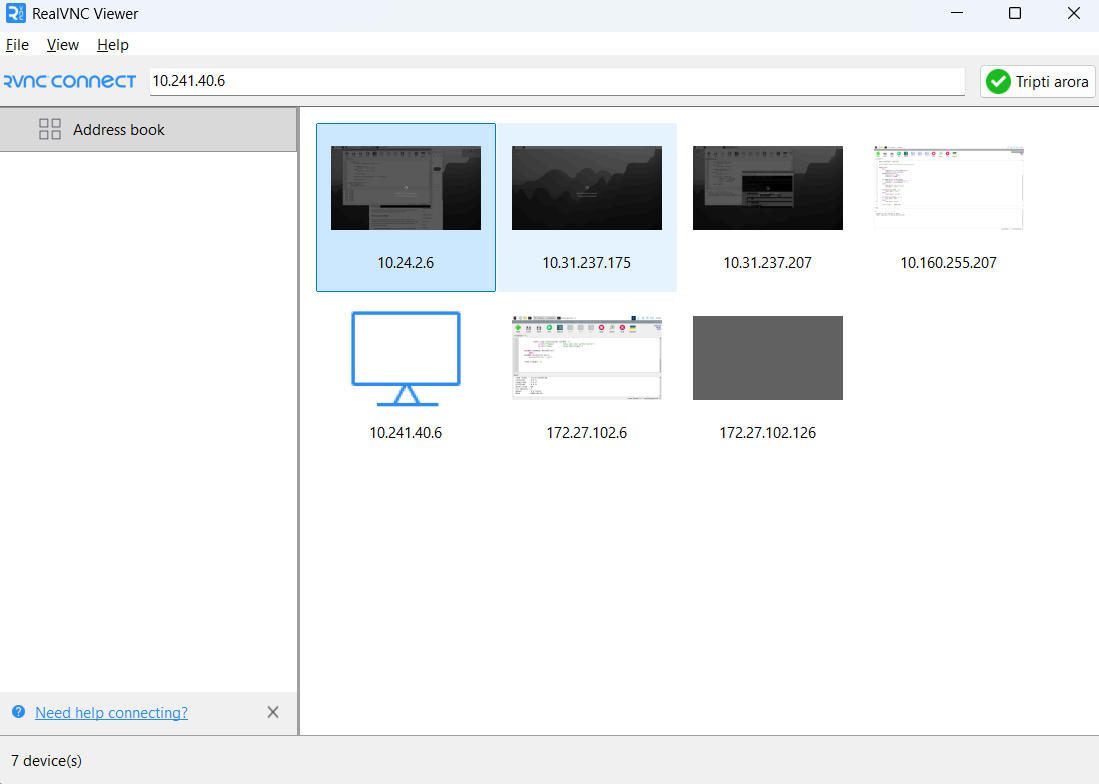
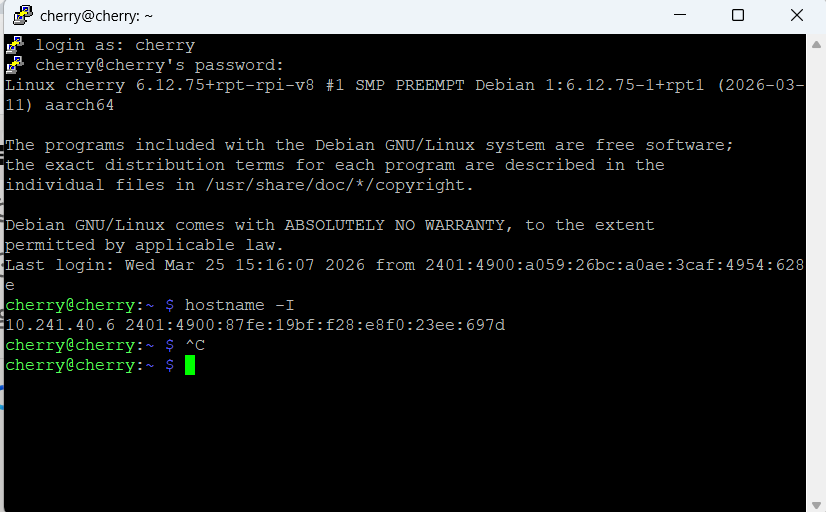
Install the required Python libraries with vnc viewer or putty:
- OpenCV
- face_recognition
- pyserial
- smbus
.png)
.png)
Step 3: Connect the Hardware
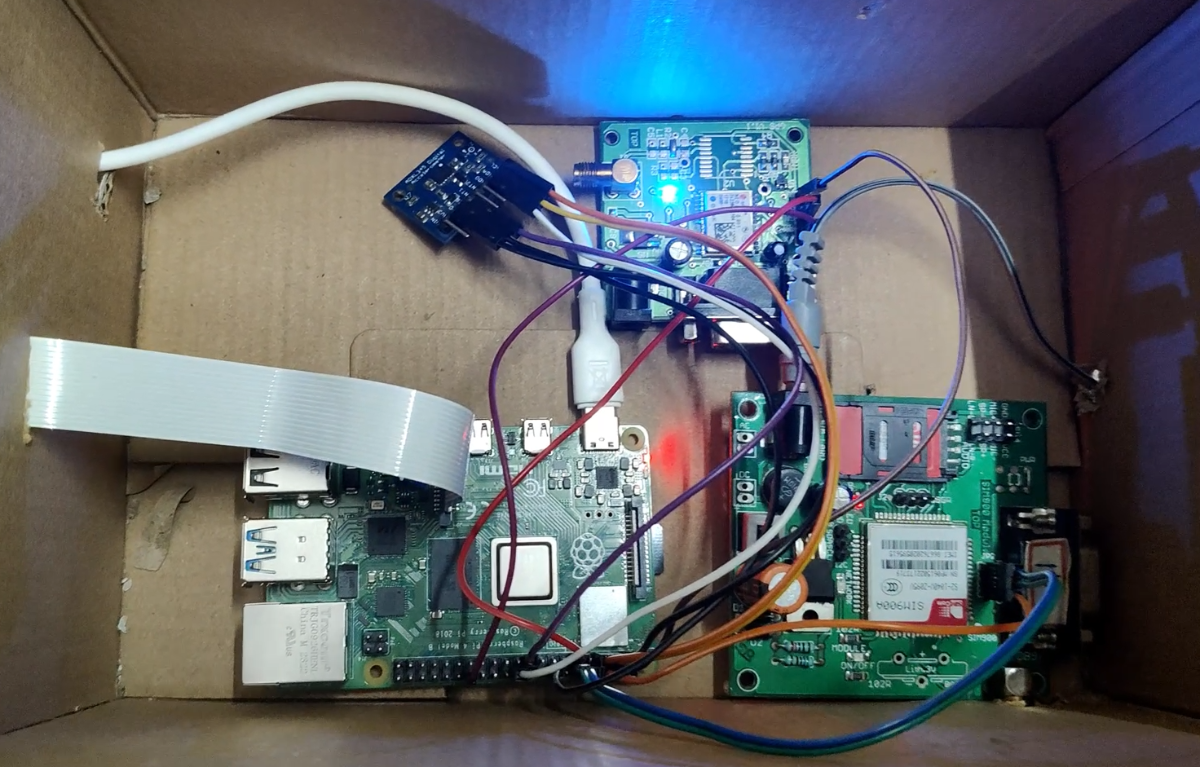
Connect:
- Pi Camera to the CSI camera connector.
- GPS module to the UART pins.
- SIM800L GSM module to UART (or another serial interface if required).
- ADXL345 accelerometer to the I2C pins.
Check that every module is detected before proceeding.
Step 4: Train the Face Recognition System
Capture images of family members and caregivers.
Store their images inside the project folder.
The Python program generates face encodings and saves them for future recognition.
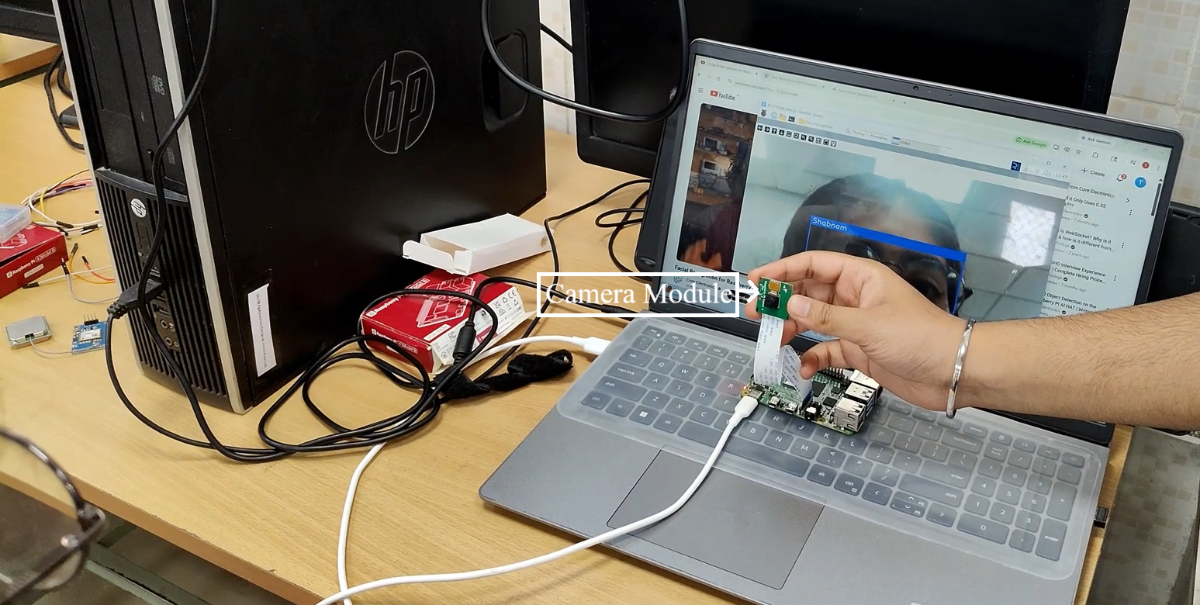
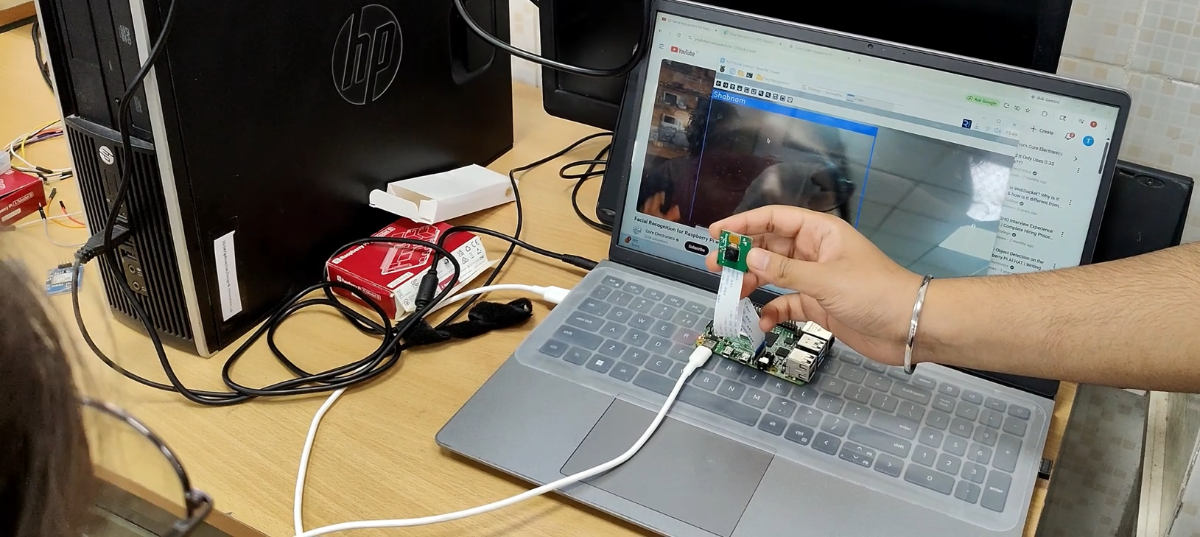
Follow the below steps exactly with your camera module and rasberry pi in real vnc viewer.
Step i) use image_capture.py to make different folders of every person's images for model training as dataset.
(just change the name inside the code every time for a new person then run it, click space bar for capturing images and make the person pose different angels for better dataset).
Step ii) just run model_training.py after the dataset is made by all people you want.
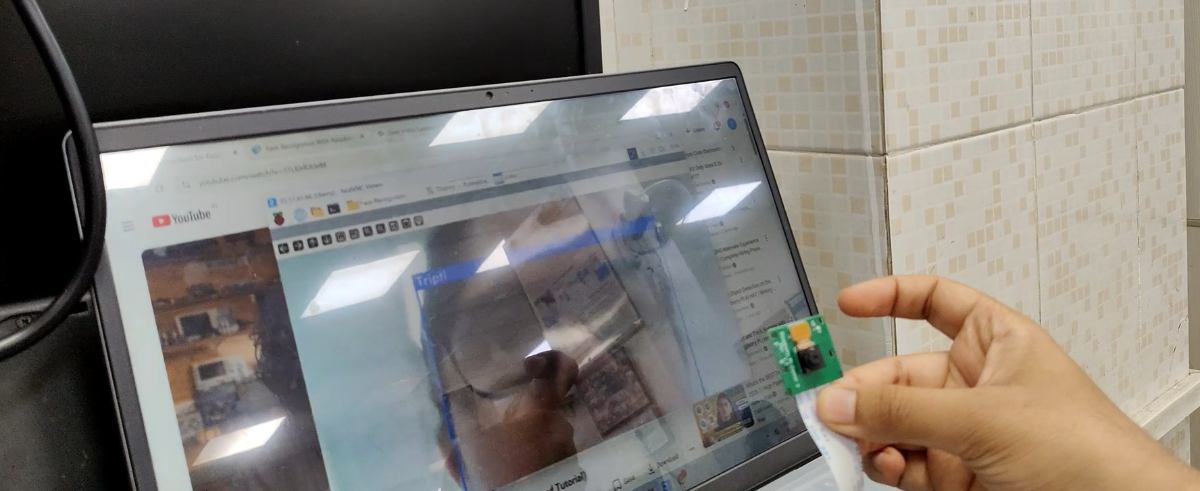
Step iii) use facial_recognition.py for image recognition, it will show the identified person in box with their name at the top if that person has their photos trained.
Step 5: Implement Face Recognition
The camera continuously captures frames.
Whenever a registered person appears, the system compares the detected face with the stored database.
If a match is found, the person's name is displayed for the patient.
Step 6: Implement Location Tracking
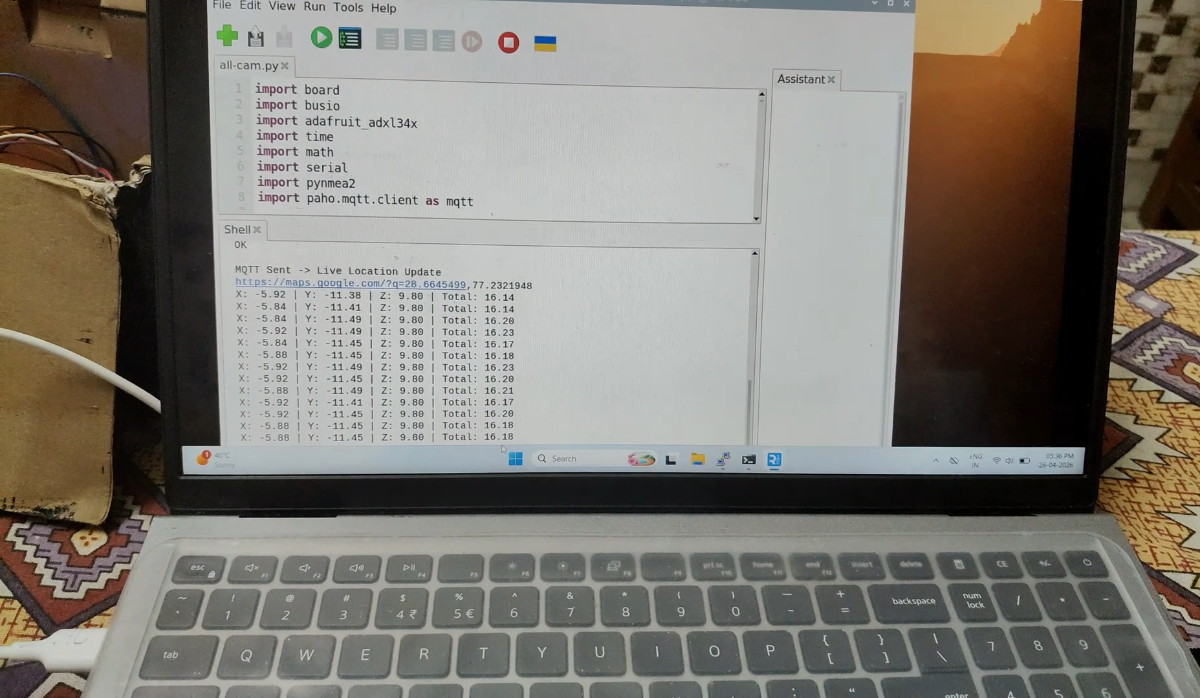
The GPS module continuously reads latitude and longitude.
The Raspberry Pi stores the latest location and updates it every two minutes.
Note: just run all-cam.py for gps, gsm and accelerometer use and the below steps.
Step 7: Configure GSM Alerts
Configure the SIM800L module using AT commands.
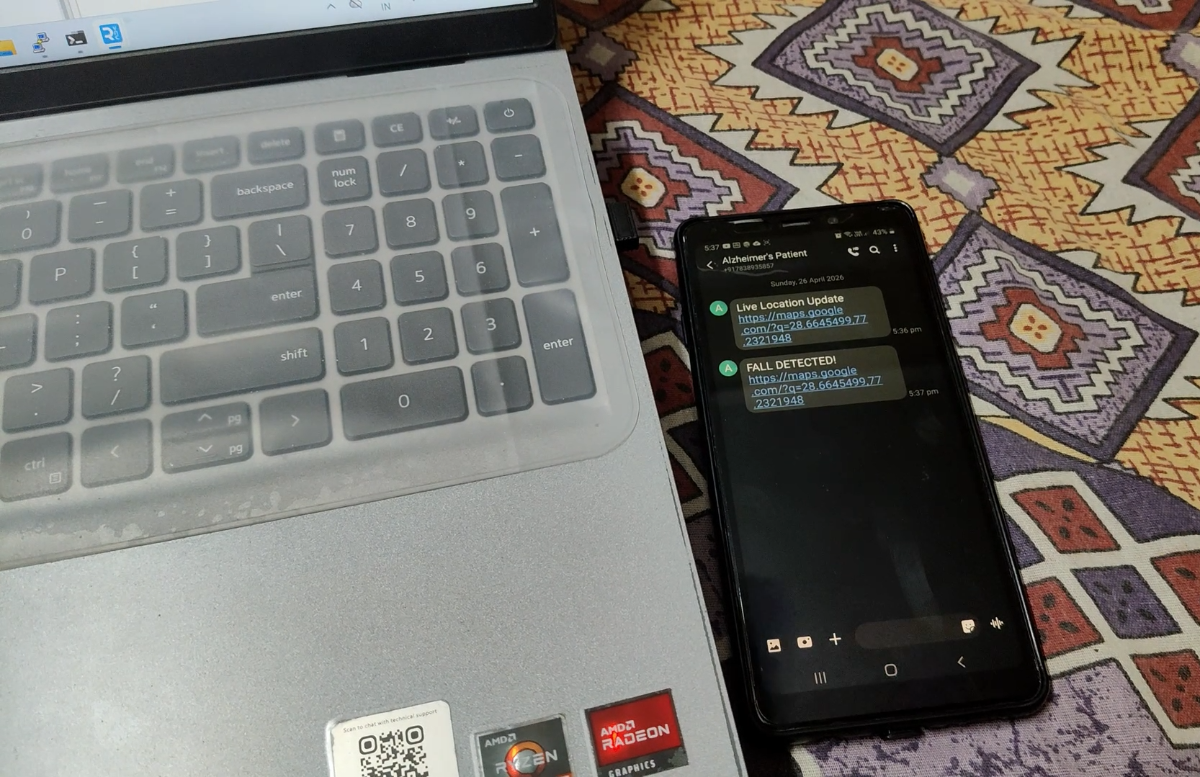
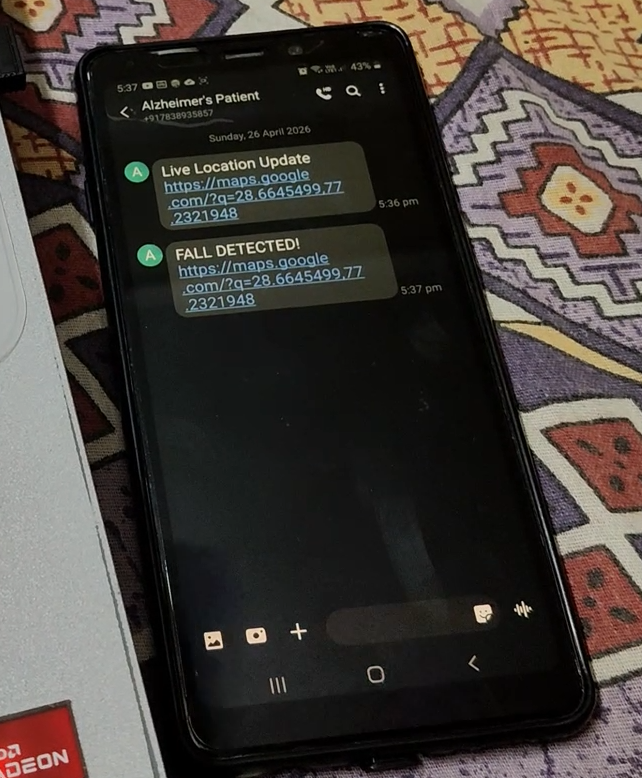
Every two minutes, the caregiver receives an SMS containing the patient's latest Google Maps location.
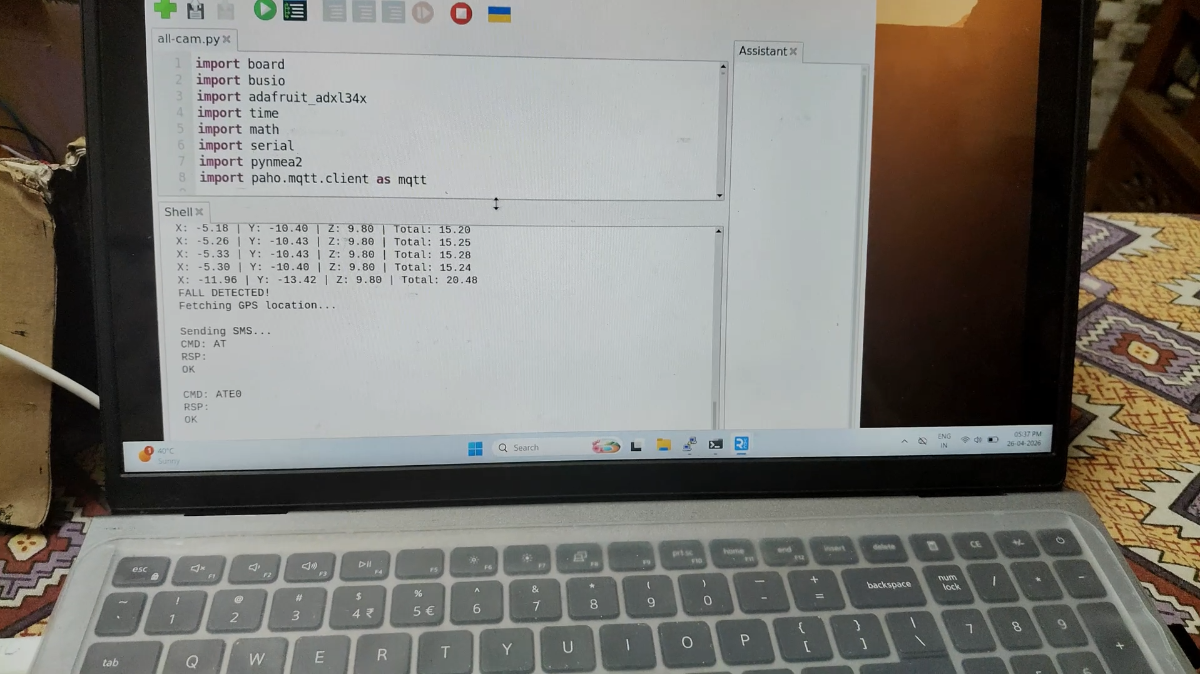
If a fall is detected, an emergency SMS with the current location is sent immediately.
Step 8: Implement Fall Detection
The ADXL345 continuously monitors body movement.
When a sudden impact followed by minimal movement exceeds the preset threshold, the system identifies it as a fall.
The Raspberry Pi immediately triggers the emergency SMS.
Step 9: Final Testing
Test the complete system by:
- Recognizing registered family members.
- Verifying location updates every two minutes.
- Simulating a fall and checking the emergency SMS with the Google Maps link.
The complete system successfully provides memory assistance, patient monitoring, and emergency alerts for Alzheimer patients.
Demonstration Video
A short video demonstrating:
- Face recognition
- Location SMS
- Fall detection
Emergency SMS received by the caregiver


